
Studio Bookings
Powering your Radio Station
Studio Bookings
Studio Booking
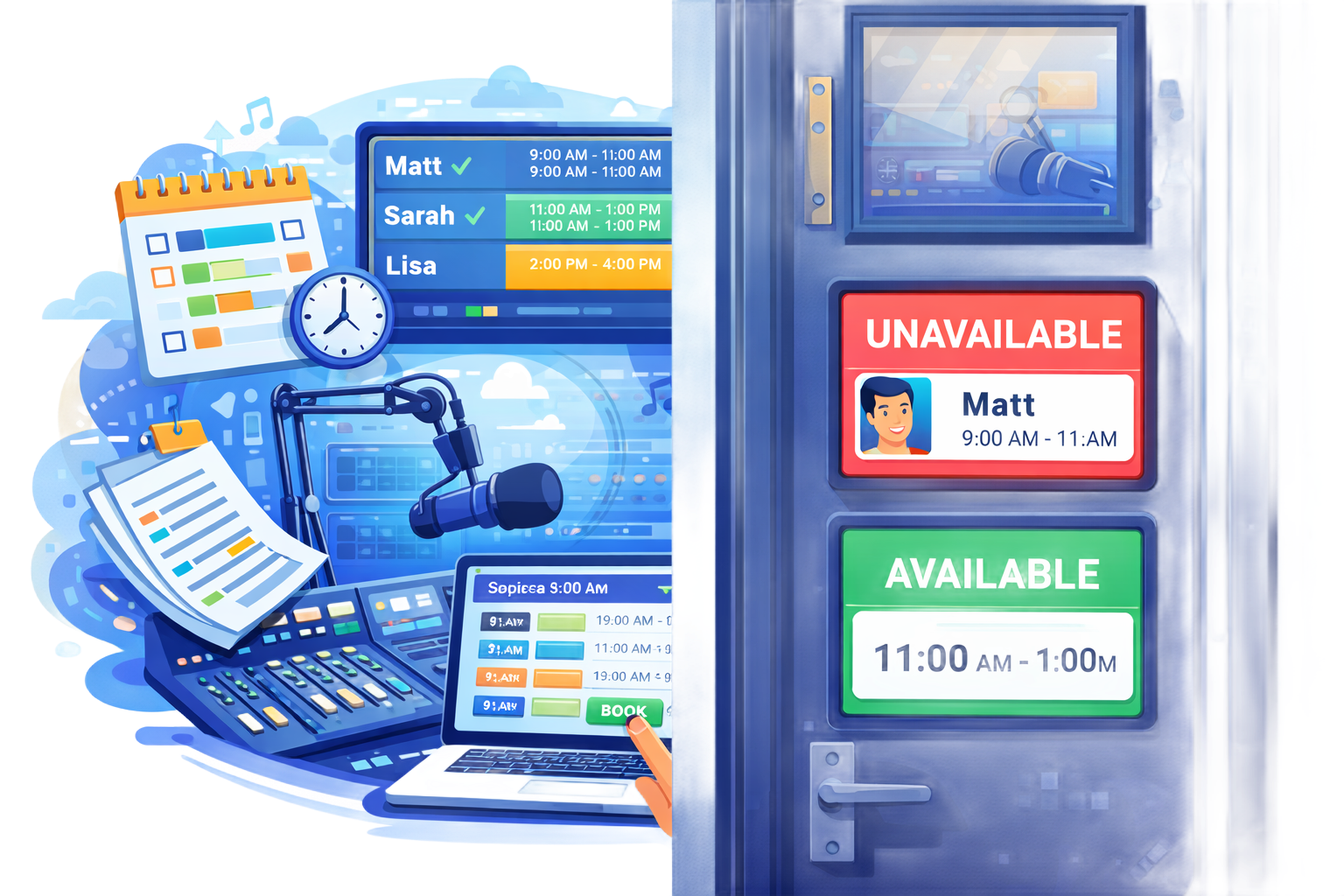
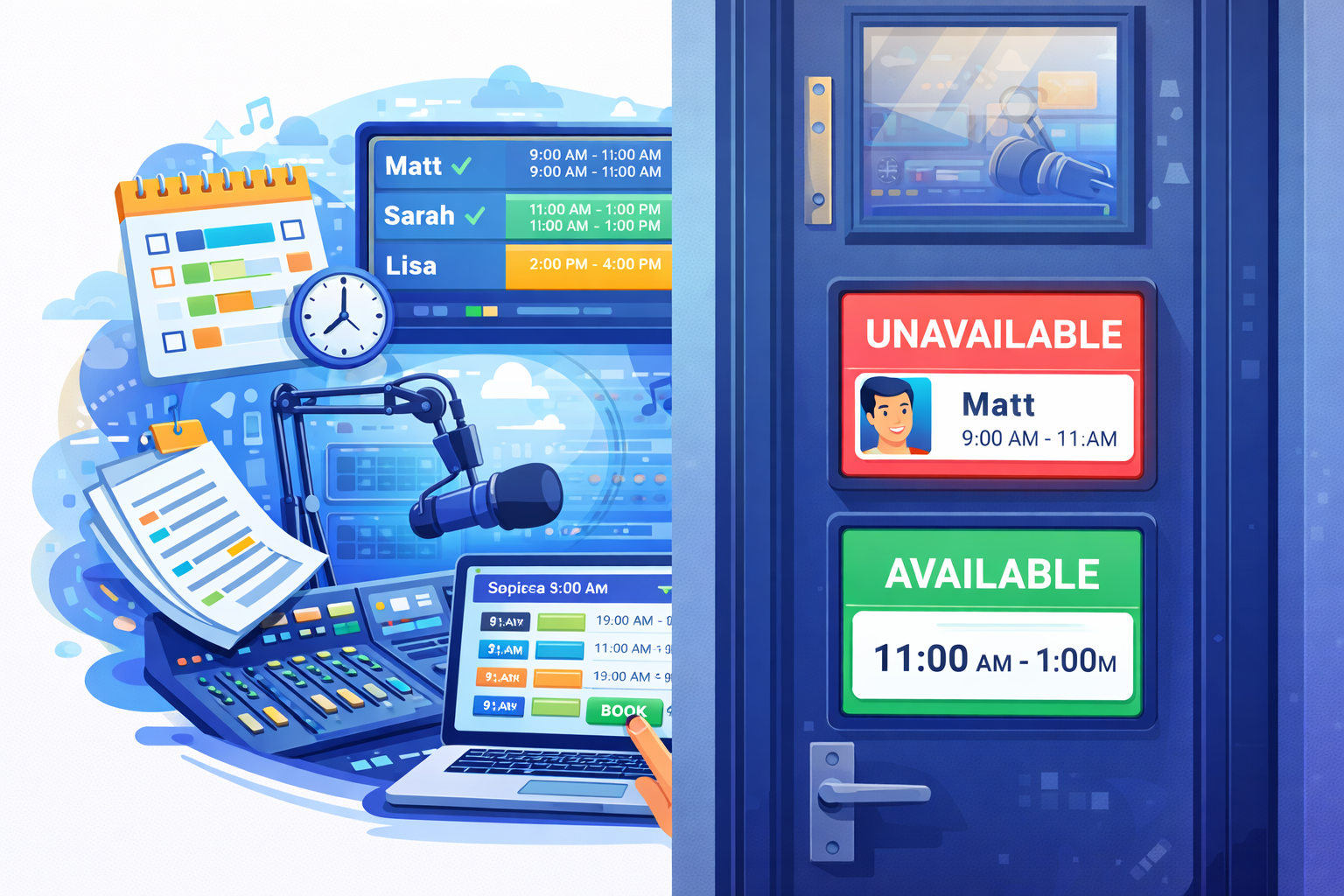
The Studio Booking feature in Radio Prep is a built-in calendar system that allows users and presenters to reserve studio time with ease. It's a flexible and visual way to manage studio availability and avoid scheduling conflicts.
How It Works:
You can create multiple calendars for different studios, rooms, or other spaces. This means if you have several studios or meeting rooms, each one can have its own dedicated calendar. Users just log in, see what slots are open, and book themselves in. They can also view who else has booked the studio and when it will be free next, all in a nice, clear calendar format.
External Viewing Mode:
One of the standout features is the external viewing mode. In the settings, you can generate a special URL for each calendar. This URL can be displayed on an external device, like a tablet or a screen mounted on the studio wall. That way, anyone walking by can quickly glance at the display and see the studio’s availability in real time. When someone makes a booking, the external display updates instantly, so it always shows the latest information.
Easy Management:
All of this can be managed through the Radio Prep web interface. You can create, edit, and delete bookings as needed. The URLs for external displays are easy to set up, so you can have a physical display up and running in no time.
In short, the Studio Booking feature ensures that studio time is managed efficiently and that everyone always knows who’s booked in and when the space will be free. It’s a simple, effective way to keep your studios running smoothly.

Live Reads

Show Planner

News Feeds

Custom Forms
Station Schedule

Task Manager

Listener Inbox

Timesheets

Winner Selector

Show Notes

Show Content
Studio Booking