
Listener Inbox

Powering your Radio Station
Listener Inbox
Listener Inbox
The Listener Inbox in Radio Prep is a versatile and centralized hub for receiving messages and correspondence from your audience. It allows you to gather listener interactions from multiple platforms into one convenient place. When setting up the inbox, you can connect it to various sources, ensuring that all messages funnel into a single, easy-to-access interface.
Connecting Multiple Platforms:
You can link the Listener Inbox to forms created in Radio Prep, so any form submissions from your website will appear directly in the inbox. You can also set up integrations with text messaging services, WhatsApp, voicemails, or any platform that supports a webhook callback. This means you can route messages from your existing shortcode text numbers or other messaging systems right into the Listener Inbox.
Real-Time Updates and Functionality:
The inbox updates in real time. The moment a listener sends a text, WhatsApp message, or voicemail, it appears in the inbox for all presenters to see. Messages can include images and even audio files with a play button for easy listening. You can see the sender’s number, the source of the message, and the content all in one place.
Highlighting and Organizing Messages:
Producers or presenters can highlight certain messages to make them stand out, which is useful for drawing attention to messages that should be read on air. There’s also a mute option to block certain numbers if needed. If you want to save a message for later, you can pin it to a Prep Board so that it stays accessible for future shows.
Adding Notes and Contact Details:
You can add internal notes or contact details to any listener’s number. This can be helpful for remembering contest winners or keeping track of important listener interactions. The inbox also includes a search function, allowing you to find messages by keyword or number quickly.
In summary, the Listener Inbox is a multifunctional, real-time communication center that gathers all your audience interactions into one place. It keeps everyone on the team informed and makes engaging with listeners smooth and efficient.

Live Reads
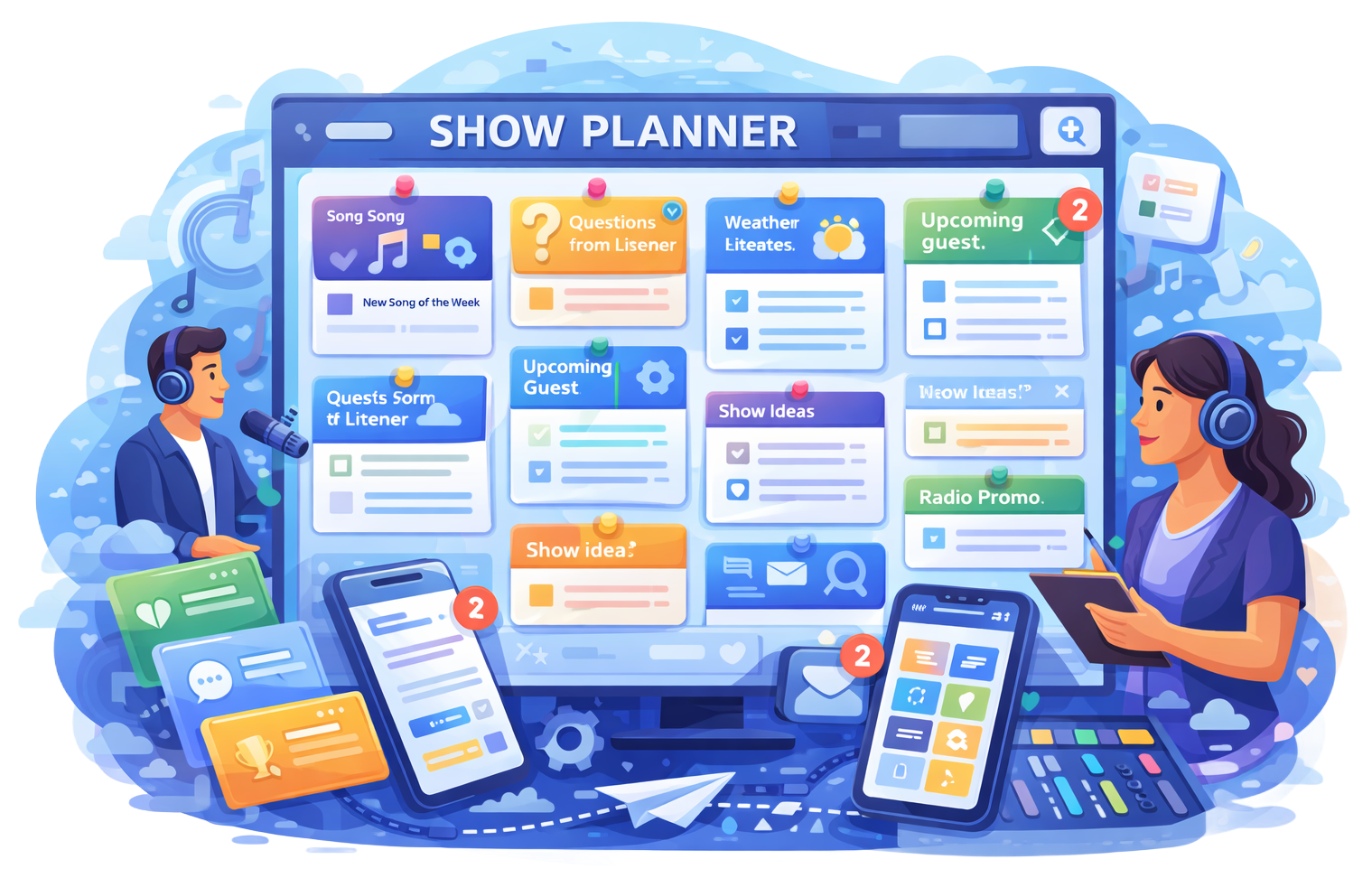
Show Planner

News Feeds
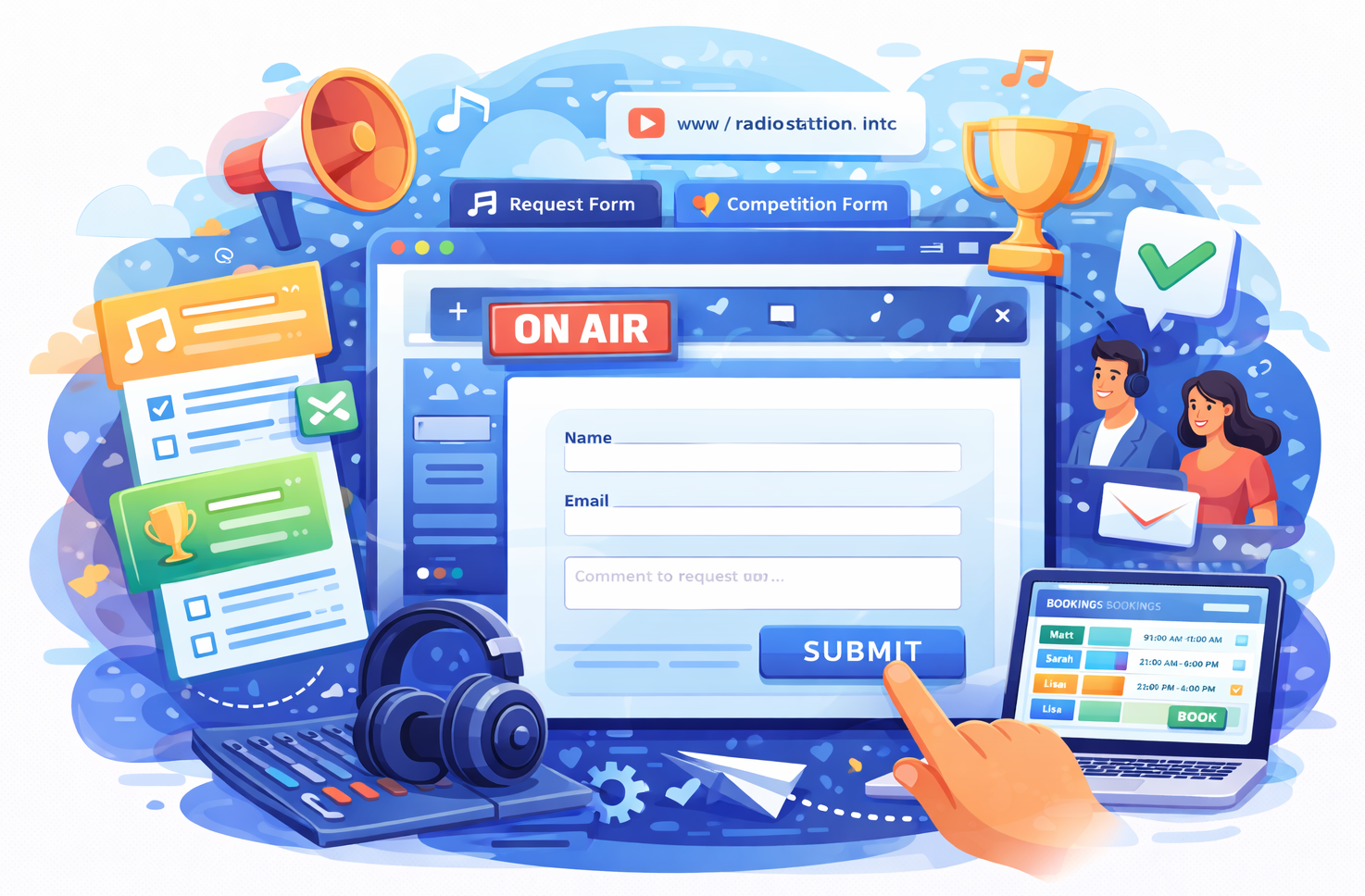
Custom Forms
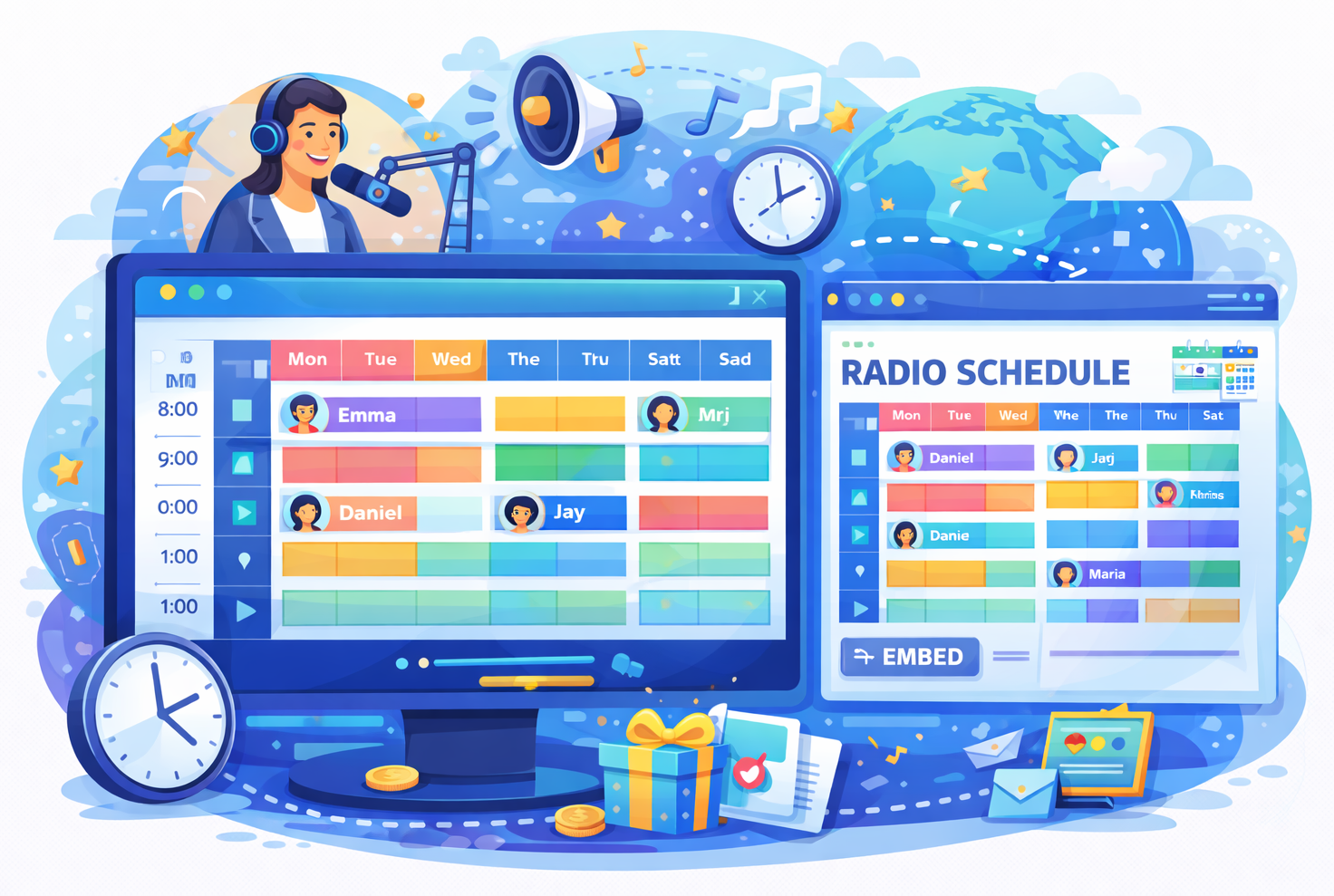
Station Schedule

Task Manager

Listener Inbox

Timesheets

Winner Selector

Show Notes

Show Content
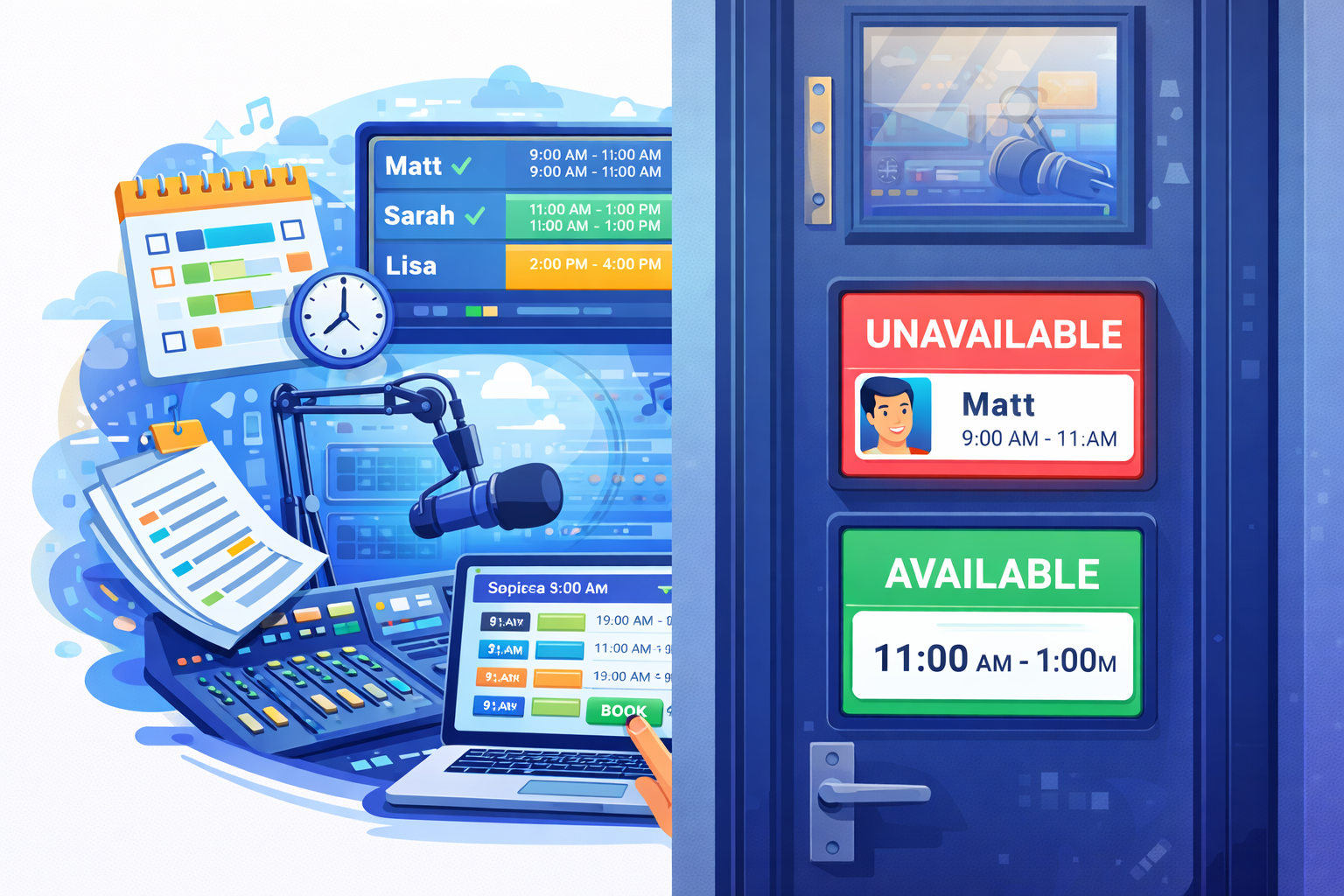
Studio Booking