
Show Notes
Powering your Radio Station
Show Notes
Show Notes
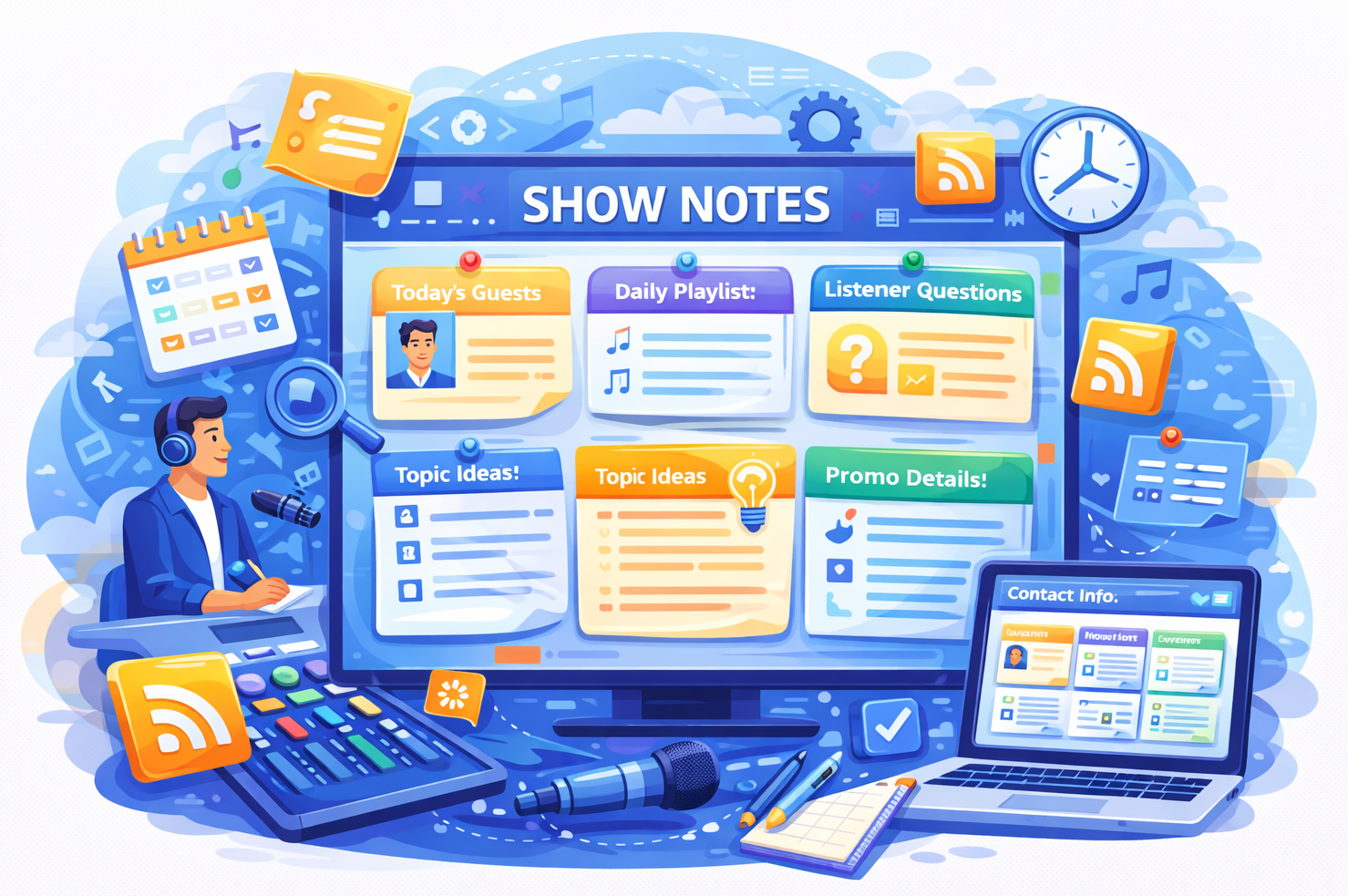
The Show Notes feature in Radio Prep is essentially a personal, portable notebook for every presenter. It's designed to let presenters jot down ideas, inspiration, and show concepts whenever and wherever they are. Whether they’re on the move and a great idea strikes or they’re just planning at home, they can quickly add these notes into their personal file.
Key Functionality:
- Personalized Notebook: Each presenter has their own Show Notes section. It’s their own space to store thoughts and ideas for upcoming shows without worrying about anyone else having access.
- Mobile-Friendly Access: The Show Notes feature is super accessible on mobile devices. Presenters can quickly pull out their phone and add a note whenever inspiration hits. All notes are saved to their personal file and can be revisited at any time.
- Voice Dictation and Image Uploads: Just like the Live Reads feature, Show Notes also supports the green microphone button for voice dictation. Presenters can simply speak their ideas and have them transcribed into text. There’s also a yellow upload button that allows them to upload images or documents. If they’ve taken a picture of some notes or have a document they want to add, the system will transcribe it into their Show Notes.
- Integration with Prep Boards: Show Notes can be seamlessly added to Prep Boards. We'll cover Prep Boards later in the documentation, but essentially they’re a way to organize all your content in one place for your show. This means anything you brainstorm in your Show Notes can be easily slotted into your show planning workflow.
In summary, the Show Notes feature is a simple and convenient tool that gives presenters a dedicated space to gather and refine their ideas. Whether they’re using their voice or uploading a quick snapshot, it’s all about making the creative process as smooth as possible.

Live Reads

Show Planner

News Feeds
Custom Forms
Station Schedule

Task Manager

Listener Inbox

Timesheets

Winner Selector
Show Notes

Show Content
Studio Booking