

Show Content
Powering your Radio Station
Show Content
Show Content
Radio Prep offers a variety of content-driven tools to inspire and enrich your radio show. These features include Talk-Up Ideas, Music Info, Song Suggestions, National Days, Would You Rather, Listener Generator, Interview Prep, and Live Content. Each of these tools is designed to help you come up with engaging and fresh ideas for your broadcasts.
Talk-Up Ideas:
This feature provides you with creative prompts and suggestions to help you introduce segments or news stories in a captivating way. It’s perfect for adding a unique touch to your show.
Music Info and Song Suggestions:
Music Info provides background details about artists, albums, and tracks, while Song Suggestions helps you discover new music for your playlist. You can specify genres, themes, or even keywords, and the AI will recommend suitable songs.
National Days:
This feature highlights special national or international days, like Star Wars Day or Pancake Day. It’s a great way to theme your show around trending events and engage your audience.
Would You Rather:
A fun and interactive segment, the Would You Rather feature presents playful dilemmas for your listeners, adding an entertaining twist to your show.
Listener Generator:
This tool generates listener names, places, and AI-crafted messages relevant to your location, helping personalize your content.
Interview Prep:
Preparing for an interview? This feature helps generate insightful questions based on the guest’s background, ensuring that you’re well-prepared and your interview is engaging and informative.
Live Content:
Stay updated with real-time information like weather, news, and other dynamic content. You can create custom prompts for AI to refresh overnight, ensuring that you always have the latest info at your fingertips.
All of these features can be pinned to your Prep Board, making it easy to organize and access content for your show.

Live Reads
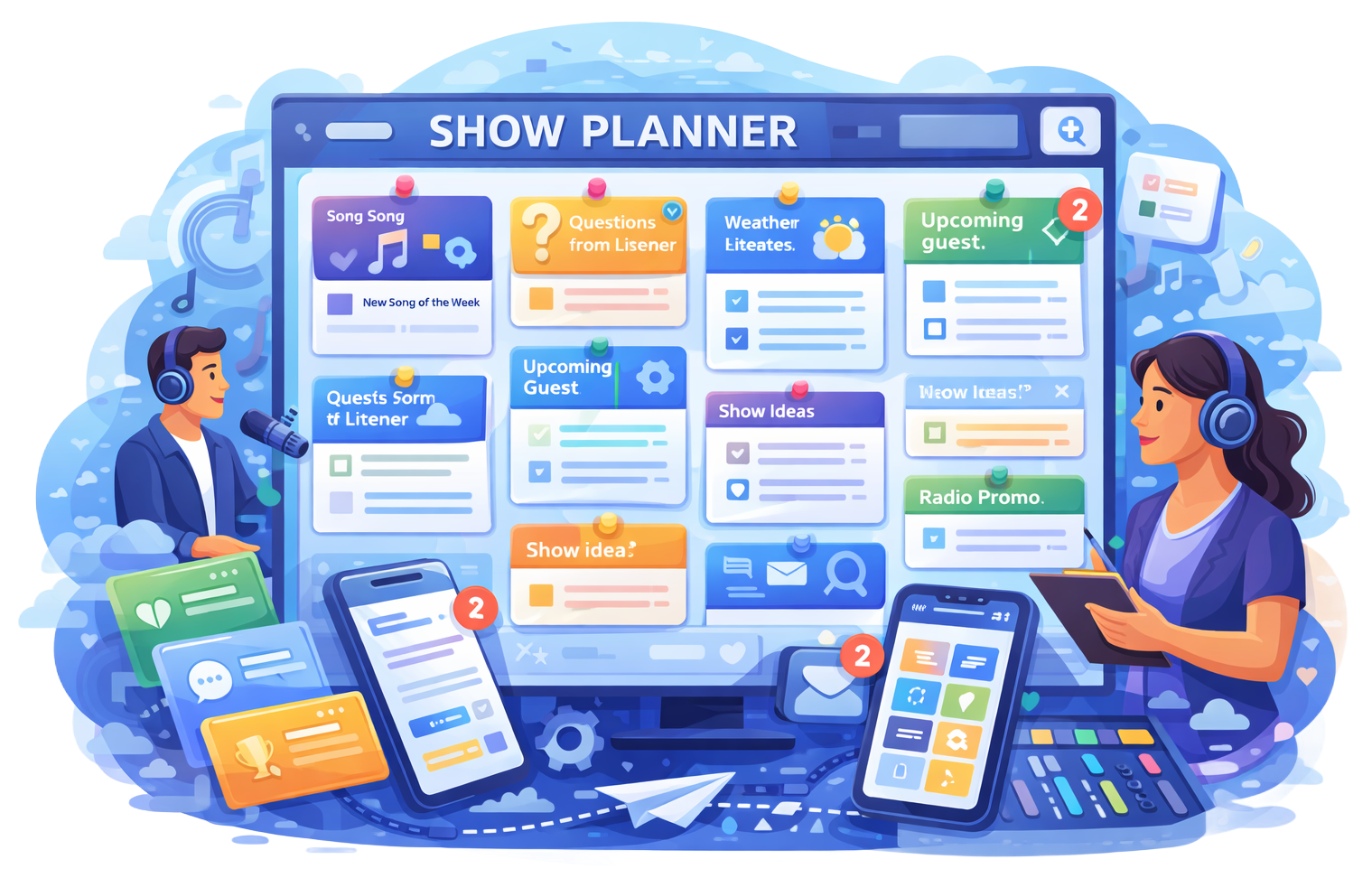
Show Planner

News Feeds
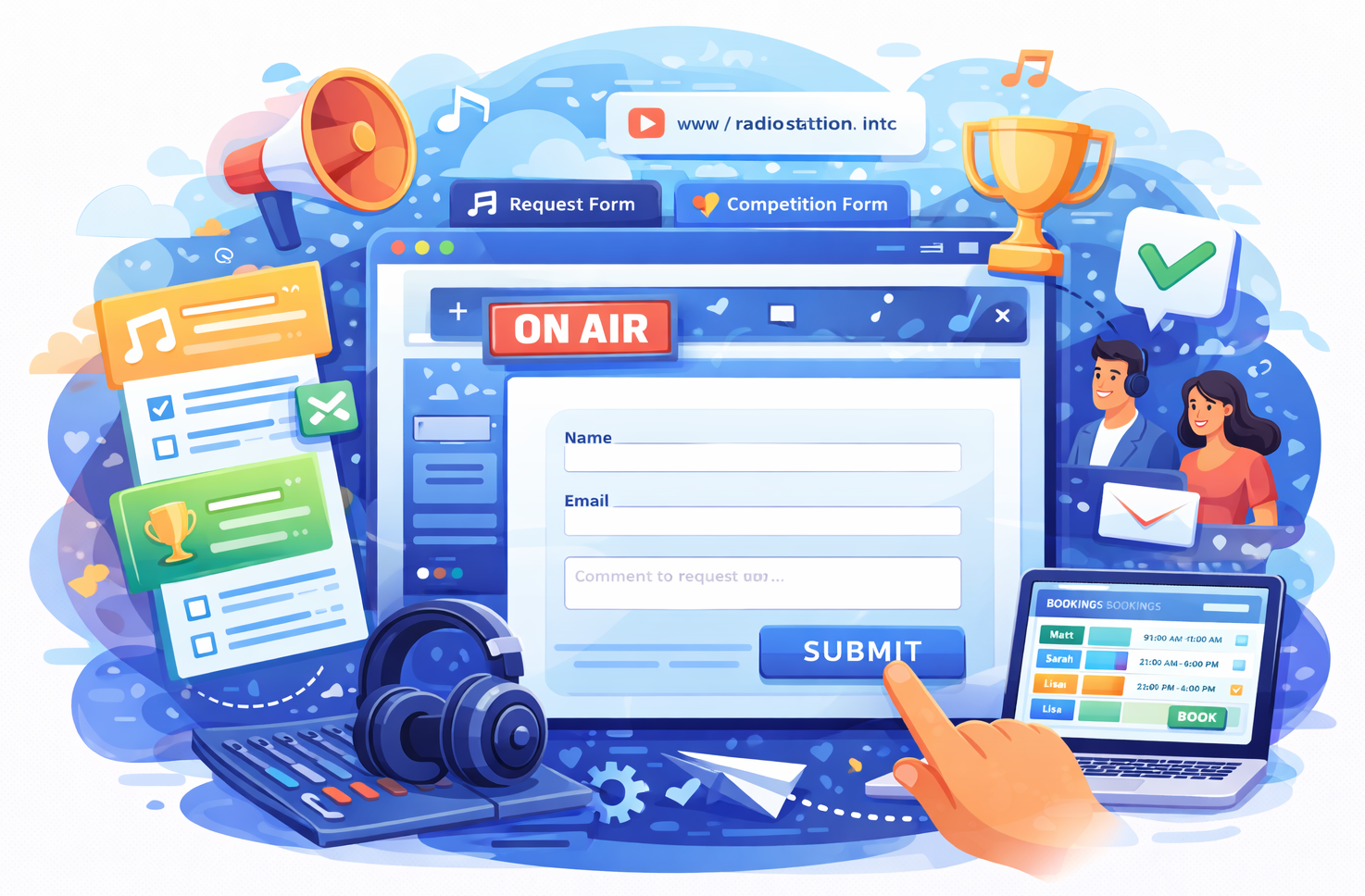
Custom Forms
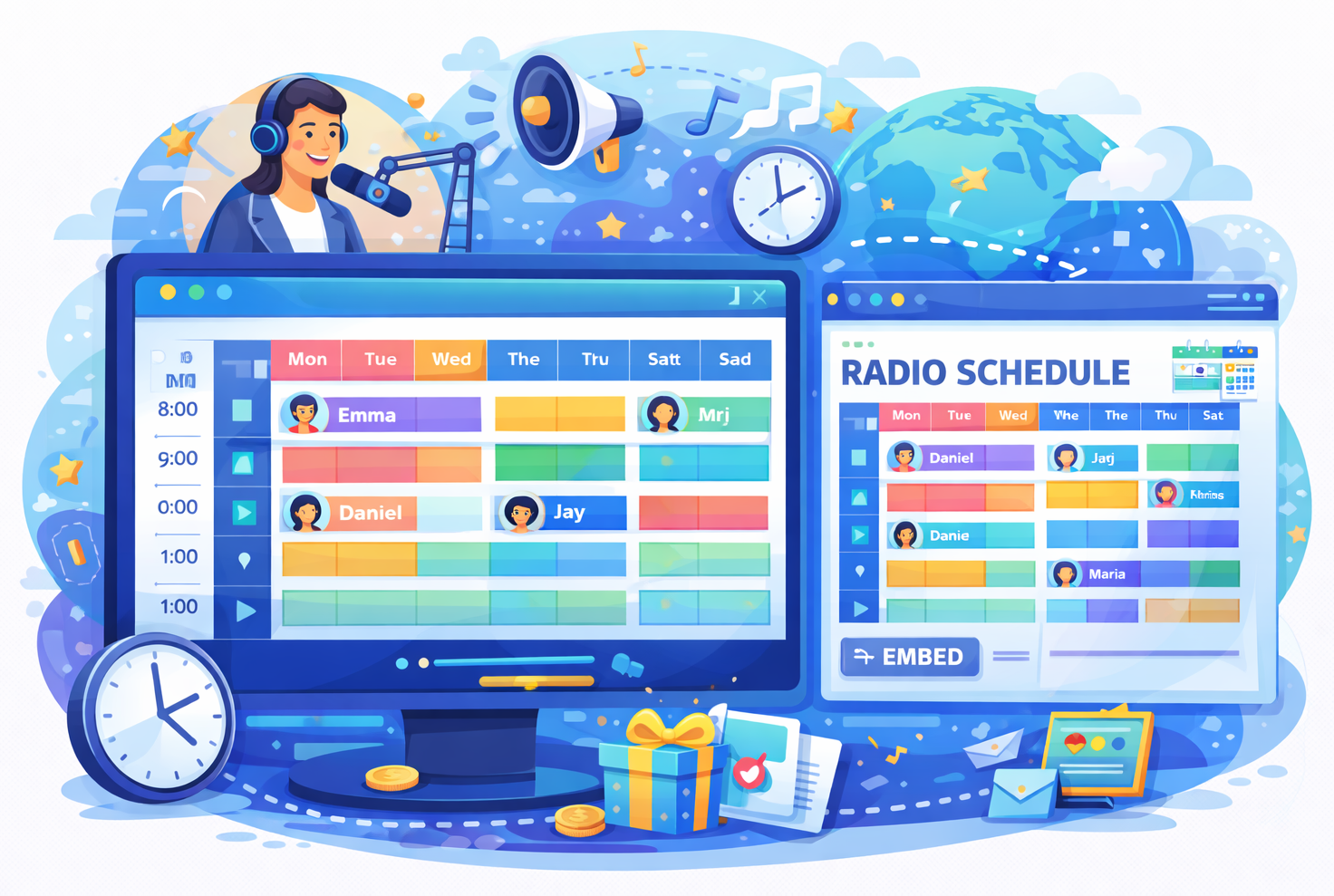
Station Schedule

Task Manager

Listener Inbox

Timesheets

Winner Selector
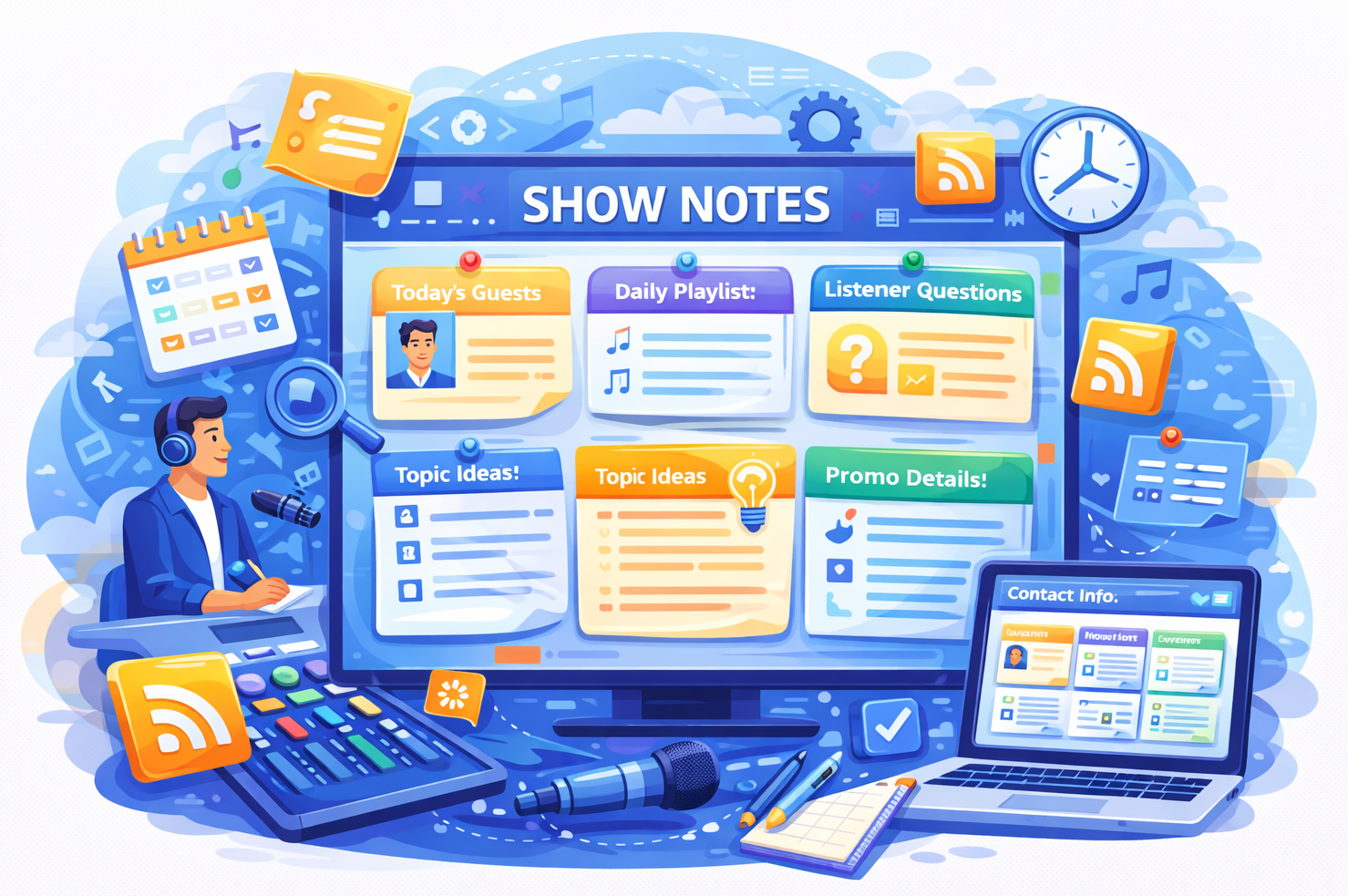
Show Notes

Show Content
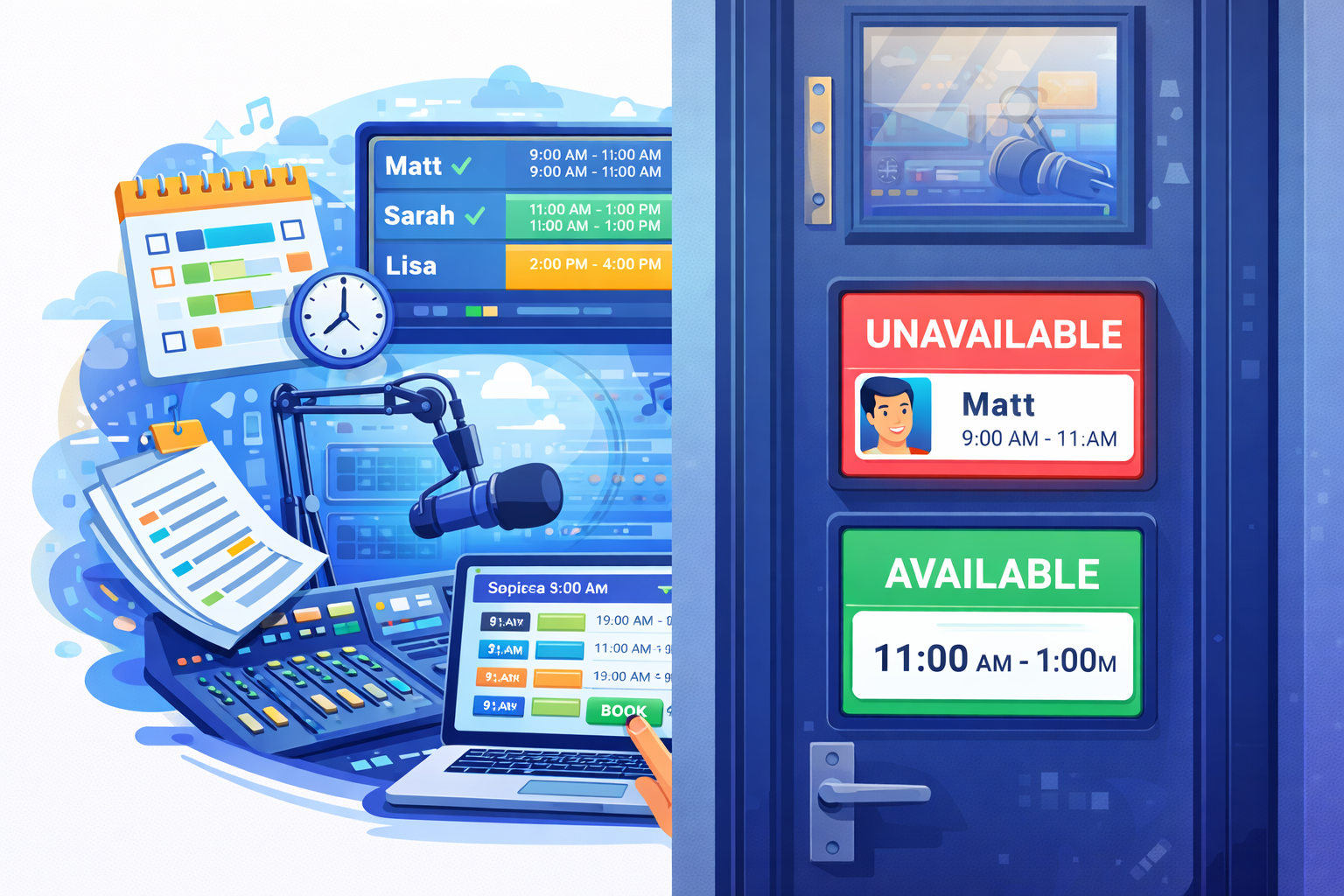
Studio Booking