Show Planner
Powering your Radio Station
Show Planner & Prep Boards
Show Planner
The Show Planner in Radio Prep is a comprehensive tool that helps you plan out every element of your radio show hour by hour. It’s designed to let you create detailed templates and arrange all the different elements of your broadcast so that you can run your show smoothly and confidently.
Creating and Customizing Templates:
You can start by creating a template for your show. Give the template a name and decide if you want to share it with other team members. Then you can drag and drop different elements into your show plan. These elements can include news items, song items, production elements, advertisements, and voice links. You can customize each element by adding notes, renaming them, and adjusting their duration. This way, you can map out your hour in detail, ensuring you have the right balance of content and that you don’t run over or under your allotted time.
Adding and Organizing Content:
For each element, you have a text box where you can type in notes or scripts. For instance, if it’s a voice link, you can write out exactly what you want to say. You can also add durations to each segment so that the planner will total up the time for you, helping you see if you’re on track. This is especially useful to make sure you’re not going over or under your hour.
Exporting and Using Your Plan:
Once you’ve built your show plan, you can export it as a PDF file. This makes it easy to print out or access on another device if you prefer a physical copy in the studio.
In a nutshell, the Show Planner is your go-to tool for laying out each part of your show. It helps you stay organized, keep your notes in one place, and ensure that everything runs according to plan.
Prep Boards
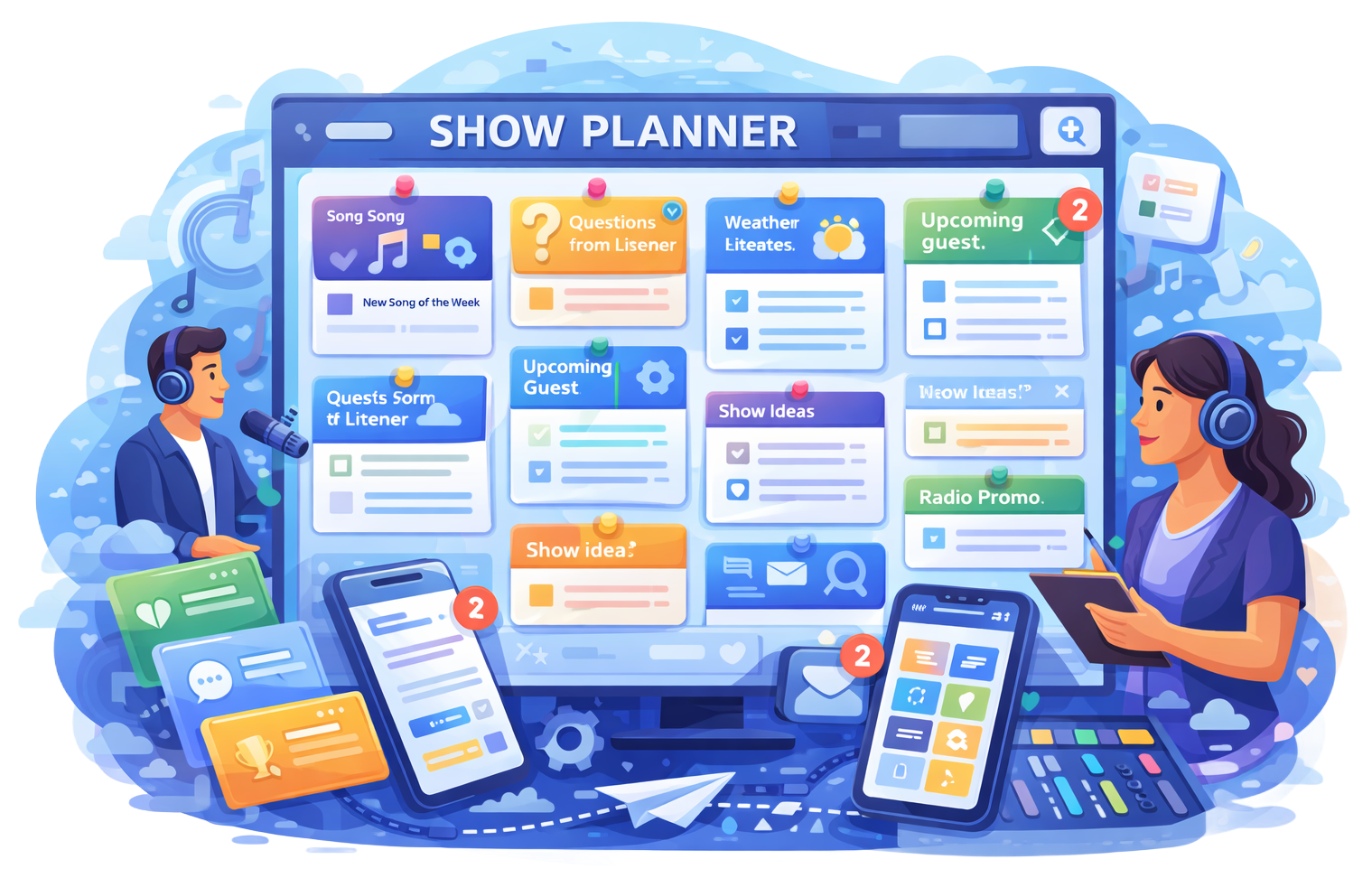
Prep Boards in Radio Prep are a dynamic way to organize and share any piece of content you’re using for your radio show. Think of them as visual boards where you can pin anything from live reads, show notes, and news feeds to external links and documents. Essentially, if it’s content you’ve got in Radio Prep, you can pin it to a Prep Board.
Organizing and Collaborating:
You can create multiple Prep Boards for different shows or different themes. This gives you a neat way to group related content together so you can quickly find what you need. If you share a Prep Board with other users—like producers or co-hosts—they can see the same board on their screen. Any changes they make, like adding or removing content, will instantly update for everyone. It’s perfect for keeping everyone on the same page, especially during a live show where things can change quickly.
Viewing and Editing Content:
When you pin something to a Prep Board, you can click on it to bring it up in a pop-up view, making it easy to read. There’s a quick edit button if you need to tweak the content on the fly. You can also use a magnify option to enlarge the text if needed. Plus, there’s a script button that can quickly format the content into a simple radio script, making it easy to read out on air.
Tracking What You’ve Covered:
Each piece of content on a Prep Board has a little checkbox. Once you’ve used that piece of content or you just want to mark it as read, you can tick the box to gray it out. This helps you keep track of what you’ve already covered so you don’t repeat yourself.
In short, Prep Boards are a visual and collaborative way to manage all your show content. They keep everything organized and instantly updated for everyone involved, making your show planning smooth and efficient.

Live Reads
Show Planner

News Feeds
Custom Forms
Station Schedule

Task Manager

Listener Inbox

Timesheets

Winner Selector
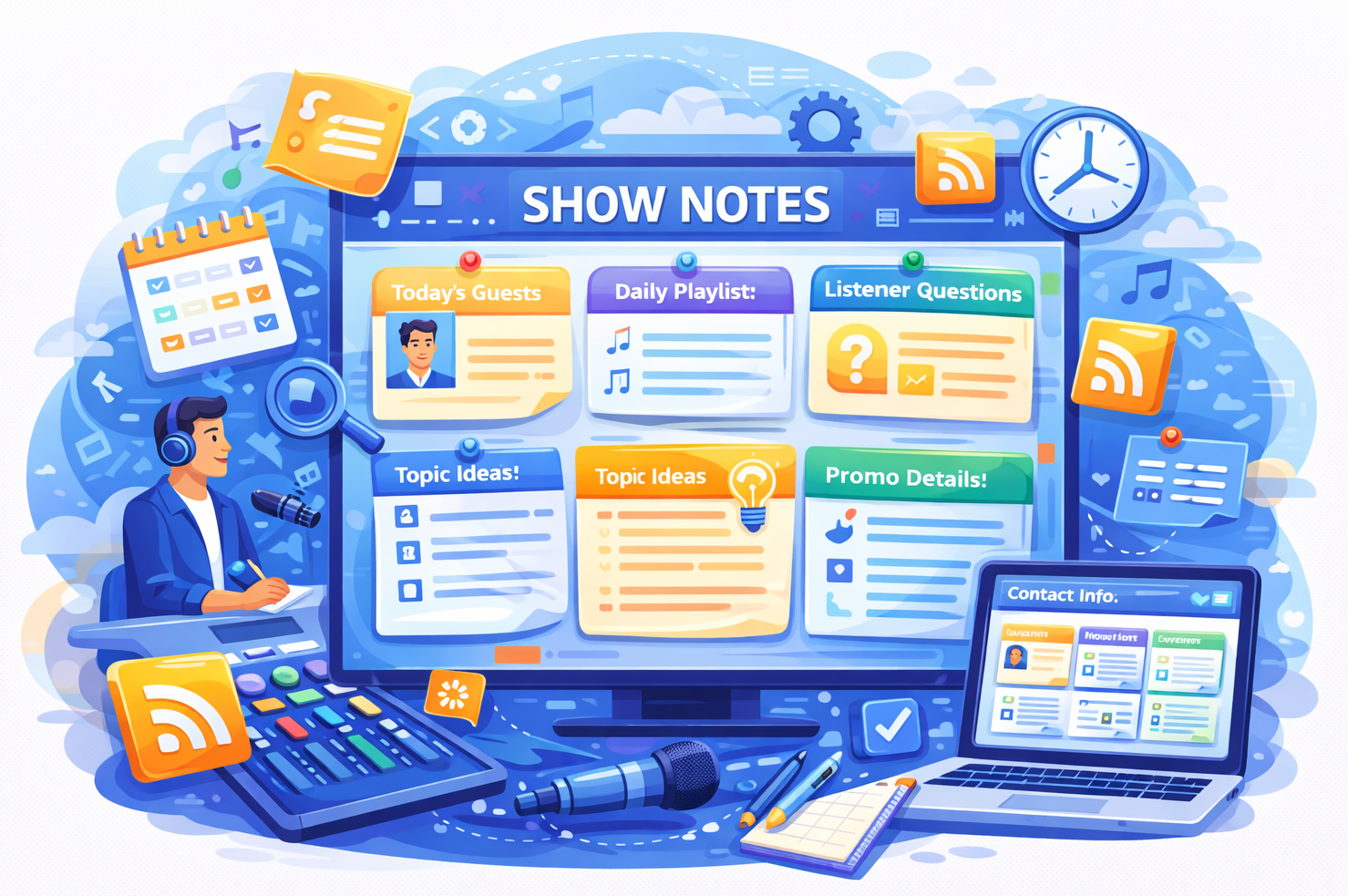
Show Notes

Show Content
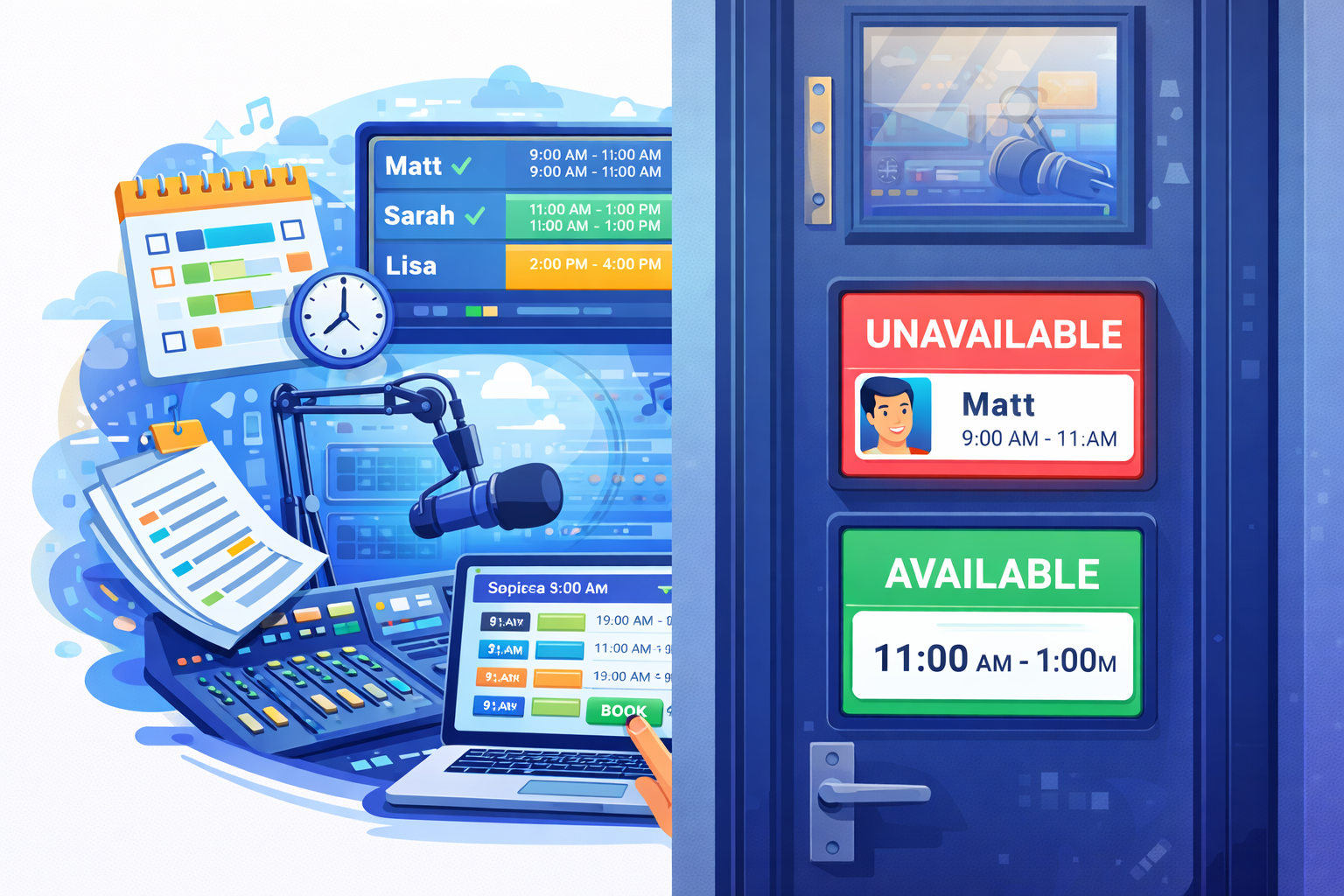
Studio Booking